 PAUSE
PAUSEA pause, from your wrist.
PAUSE on Apple Watch guides your breathing with gentle taps, even when your iPhone isn’t nearby.
Included in PAUSE Pro. Requires watchOS 10 or later.
Join the waitlist
Coming soon to iPhone. Free, with optional Pro.
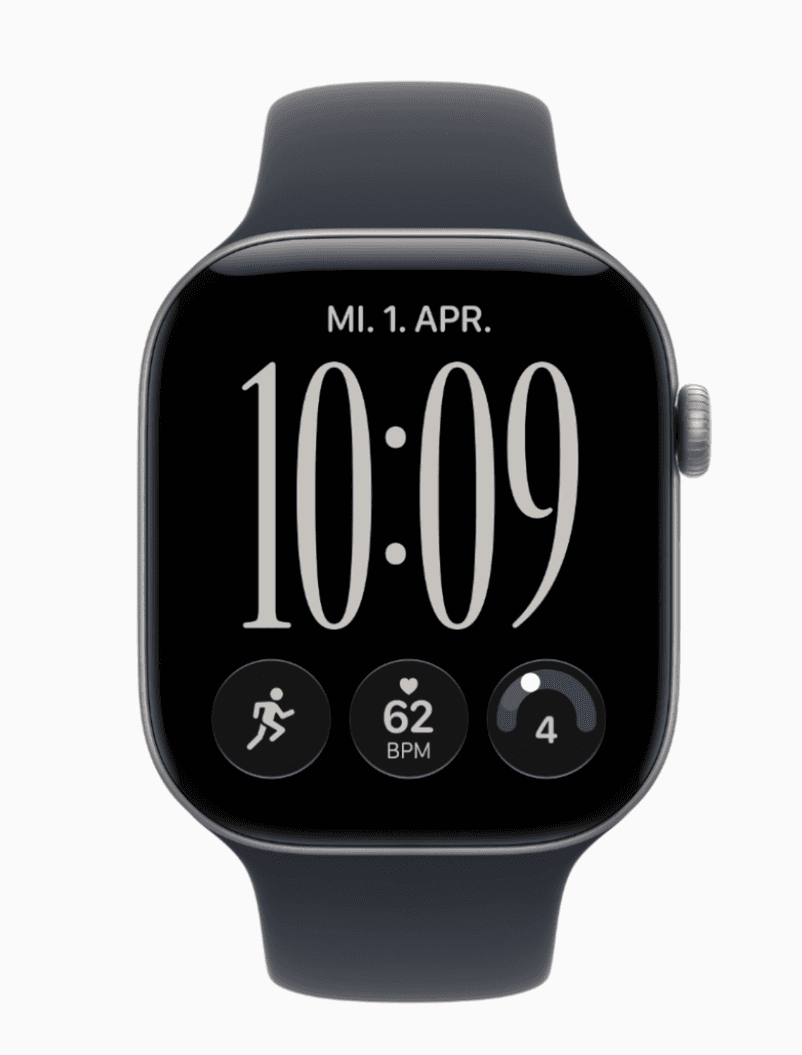
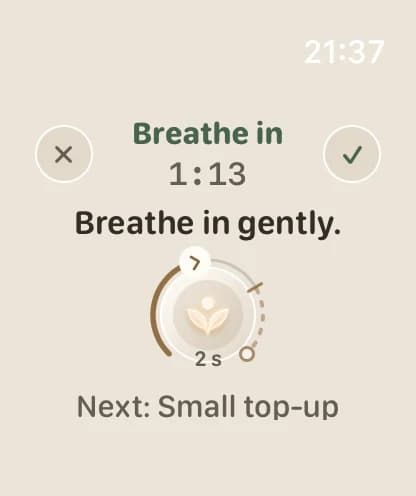
Start a pause. Keep your phone away.
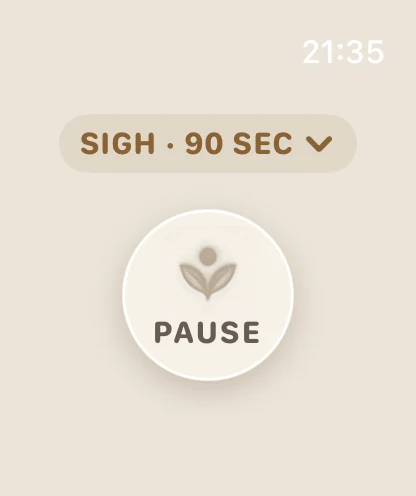
Start
Open PAUSE, ask Siri, or use a watch-face complication.
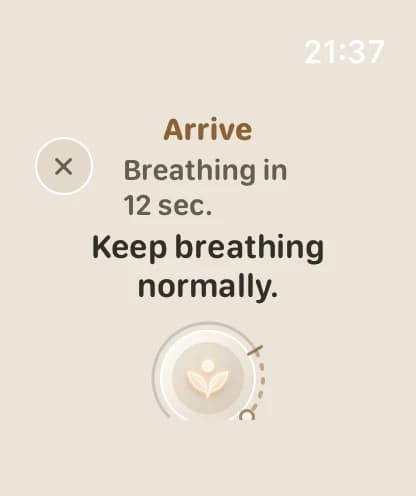
Arrive
A short arrival lets you settle before breathing begins.
Breathe
Gentle taps mark each inhale, top-up and long exhale.
Set up once on iPhone
Install PAUSE and confirm your Pro access on iPhone. After that, you can complete a pause on Apple Watch without your phone nearby, and it appears in your history the next time they connect.
Your preparation text and reflection notes stay on iPhone and are never sent to the Watch.